Wallet payments at checkout
Let customers pay orders fully or partially from their balance, on the classic checkout and the Checkout Blocks alike.
Enabling the gateway
Go to WooCommerce → Settings → Payments and enable Elite Balance Wallet. Its settings screen lets you rename the gateway title and description customers see, and switch partial payments on or off.
The gateway only offers itself when it can actually be used: the customer must be logged in and hold a balance. Guests and empty wallets never see it, so it adds no checkout noise.
Full payment
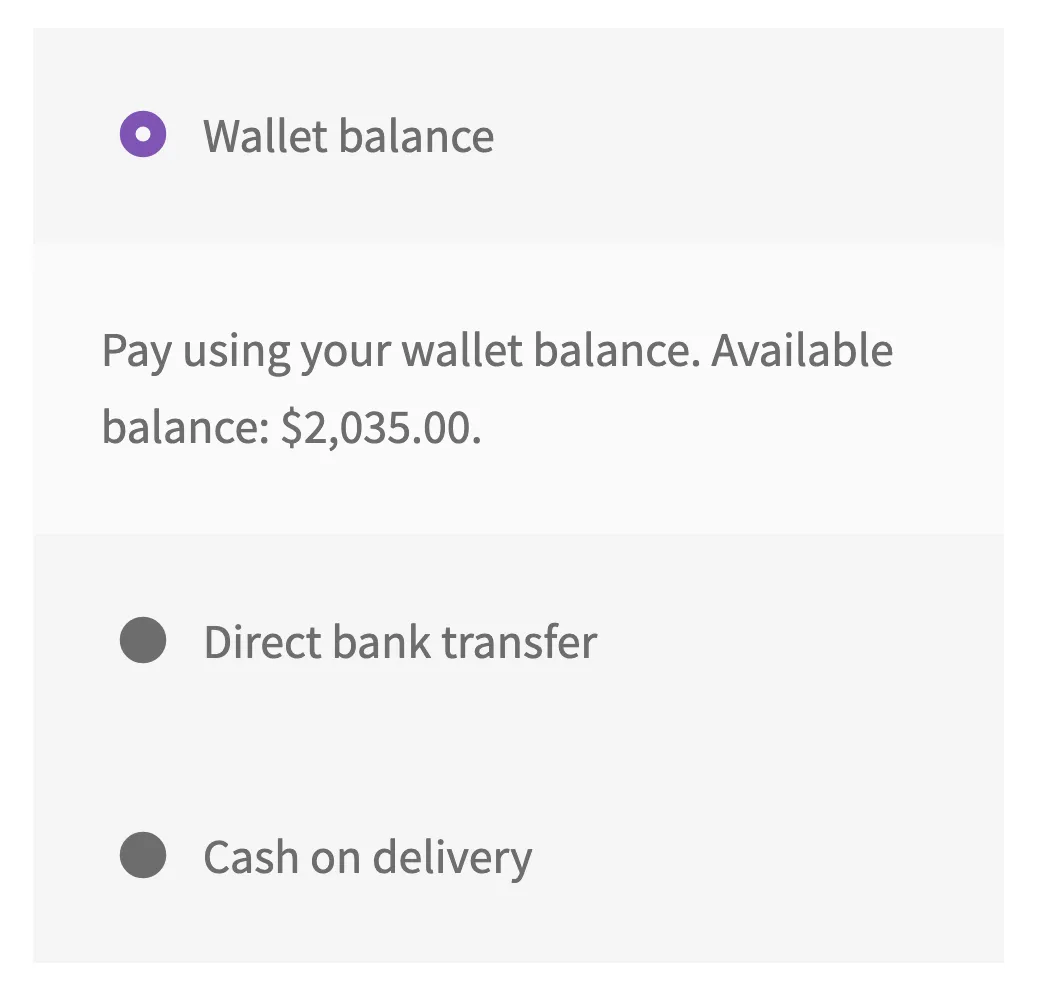
When the wallet covers the whole order, the customer picks the wallet like any other payment method. Behind the scenes the plugin places a hold for the order total at placement and captures it when the order is paid, so an abandoned or cancelled order never takes money (see How the ledger works).
The pay-by-wallet discount
Wallet money is money you already hold: no card fees, no failed payments, no chargebacks. The gateway settings let you hand part of that saving back as an automatic discount on orders paid fully by wallet: pick a percentage of the items total or a fixed amount, and a “Wallet payment discount” line (renamable by filter) appears at checkout while the wallet gateway is selected and disappears when the customer switches away.
The details that keep it honest:
- It applies only to full wallet payments. Partial payments and wallet top-ups never earn it, so it cannot be gamed by moving money around.
- The amount is computed from the items total after coupons, plus their tax, excluding shipping (the same philosophy as the partial cap), and a fixed discount never exceeds that total, so an order never goes negative.
- Everything re-validates server side when the order is placed, exactly like the partial cap: the placed order gets precisely the discount it is entitled to, whatever the browser claimed. On the block-based checkout the discount is applied at that moment, when the chosen payment method is final.
- The discount line itself is not taxed, and it is not a ledger event: the order simply costs less before any money moves.
- It stacks with cashback deliberately: cashback computes on the discounted items total, so the two together never pay out more than you configured on either.
Partial payment
With partial payments on, customers whose balance cannot cover the order can apply what they have and pay the remainder with any other gateway. The applied amount appears as a line on the order, the wallet portion is reserved at placement and collected when the order is paid, and the other gateway simply sees a smaller total.
Two details worth knowing:
- The wallet portion is capped at the cart contents plus their tax. Shipping is excluded from the cap in this version (developers can change that with a filter), which keeps at least the shipping amount on the card and avoids zero-total orders confusing other gateways.
- Everything re-validates server side at order time. Browser tricks cannot apply more than the customer holds or more than the cap allows.
When collection fails
If an order is paid but the wallet portion cannot be collected (for example the customer spent the balance in another tab between placement and payment), the plugin never invents money. The order receives a clear note, staff can act on it, and developers can hook the failure event to alert other systems. Nothing is silently written off.
Locked wallets
A locked wallet (see Managing wallets) refuses new spending: the gateway and partial payment stop offering themselves. Credits, refunds to the wallet, and the collection of already-placed reservations still work, so locking a wallet never strands money mid-flight.
Test tip: to watch a hold reserve and capture, place a partial payment order and pay the remainder with a manual gateway like bank transfer. The reservation shows immediately; the capture happens when you mark the order paid.
Stuck, or found a gap in these docs? Tell us and the people who build the plugin answer.
Contact support →